

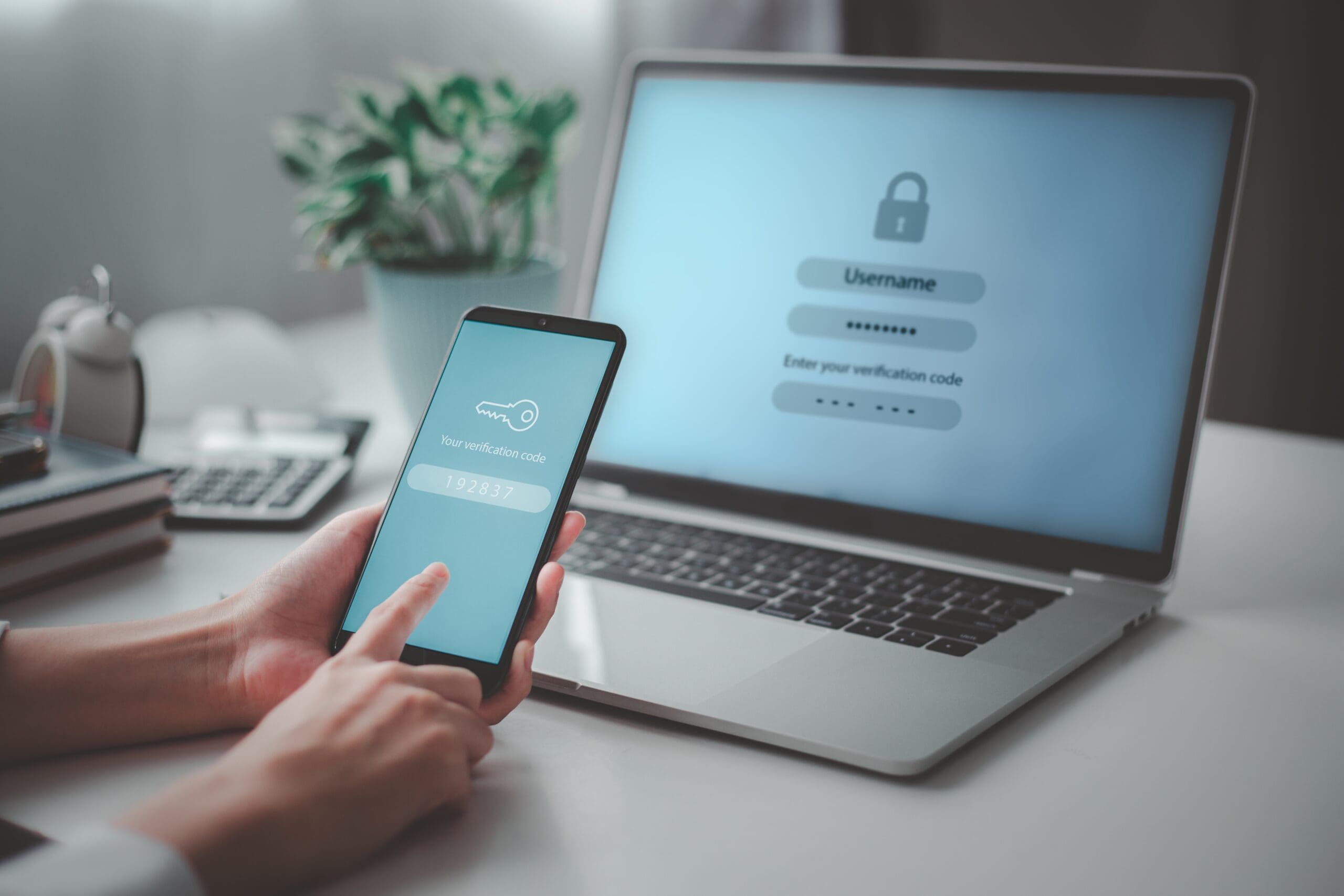
 MFA fatigue attacks are rising—and succeeding—because users are overwhelmed. Logging in no longer means simply entering a password. It often requires a code sent to a device, scanning a prompt, or approving an authentication request. According to recent Microsoft data, more than 382,000 MFA fatigue attacks occurred over a 12‑month period—an average of nearly 6,000 attempts per day. When users are bombarded with nonstop MFA prompts, many eventually give in, approve a request just to stop the noise, and unintentionally grant attackers access.
David Haynes, information security officer at SaaS platform and Barracuda collaborator Augmentt, explains that these attacks continue to work because they exploit people, not systems.
“Once an attacker has a password, they repeatedly send MFA requests until a user gets frustrated or confused and approves one,” Haynes says. “It doesn’t take a sophisticated setup, which is why these attacks are still common.”
He adds that MSPs can identify early warning signs by monitoring user behavior with proper alerting. Multiple MFA prompts in a short timeframe, users reporting unexpected requests, or login attempts at unusual hours should all raise concerns.
“Looking at these patterns across multiple clients helps MSPs recognize when MFA abuse is more than a one-off issue,” he notes.
At that stage, Haynes says, MSPs should discuss whether basic MFA is still enough protection.
“Often it makes sense to move toward stronger MFA options such as phishing-resistant MFA and pair that with better user education. Teaching users when to approve a request—and when not to—goes a long way. The goal is to make MFA something users understand and trust, not something they click through just to get on with their day.”
MSPs weigh in on MFA fatigue
Another MSP security expert agrees that MFA fatigue works because it preys on human behavior, not technical failures.
“Attackers don’t need to break MFA. They just need to annoy users until one prompt gets approved. And with push-based MFA still widely deployed, that window is very real,” says AJ Thompson, COO at MSP Northdoor.
Thompson outlines key indicators MSPs should monitor across tenants:
- Repeated MFA push attempts within short time windows
- MFA prompts outside normal user hours or from unexpected locations
- Multiple failed logins followed by a sudden successful approval
- The same IP or device targeting multiple tenants
“When viewed across an MSP’s entire estate, these patterns become obvious—even if they look ‘normal’ inside a single tenant,” he adds.
Thompson says many organizations mistakenly treat MFA as a simple on/off control, when in reality high-risk users need stronger protections.
Clear signs it’s time to move clients to phishing‑resistant MFA include:
- Admin or helpdesk accounts exposed to the internet
- Users receiving frequent MFA prompts they didn’t initiate
- Repeated credential resets linked to MFA push abuse
- Any customer with remote access tools or privileged cloud roles
Actionable steps MSPs can take now
- Disable push‑only MFA where possible or require number matching
- Enforce phishing-resistant MFA for admins first, then expand
- Set alert thresholds for repeated prompts—not just failures
- Educate users that “approve” is an intentional security action
“The takeaway is simple: MFA fatigue isn’t new, but it’s effective because many defenses stopped evolving after MFA was turned on. MSPs who treat MFA as a control that needs tuning—not a checkbox—are the ones preventing account takeover instead of cleaning it up after the fact.”
Erik Gruwe, owner of MSP Forever On Technology Solutions, emphasizes a people-first approach when spotting abuse patterns across tenants.
“If a user denies an MFA request five times and then approves on the sixth, that’s not authentication—that’s surrender,” Gruwe says. “If you see similar activity across multiple clients within 48 hours, you’re likely facing a coordinated attack targeting your vertical.”
Gruwe adds that any client with privileged access to financial systems, protected health information, or a history of social engineering attempts should upgrade to phishing-resistant MFA.
“At that point, any method that relies on user judgment is a liability,” he says.
He recommends number matching as a first line of defense, along with a strict policy: after three unsuccessful attempts, the user is locked out. And above all: “If you didn’t log in, don’t approve it. Period.”
Photo: KT Stock photos / Shutterstock
This post originally appeared on Smarter MSP.

